Blogs

2026-08-07
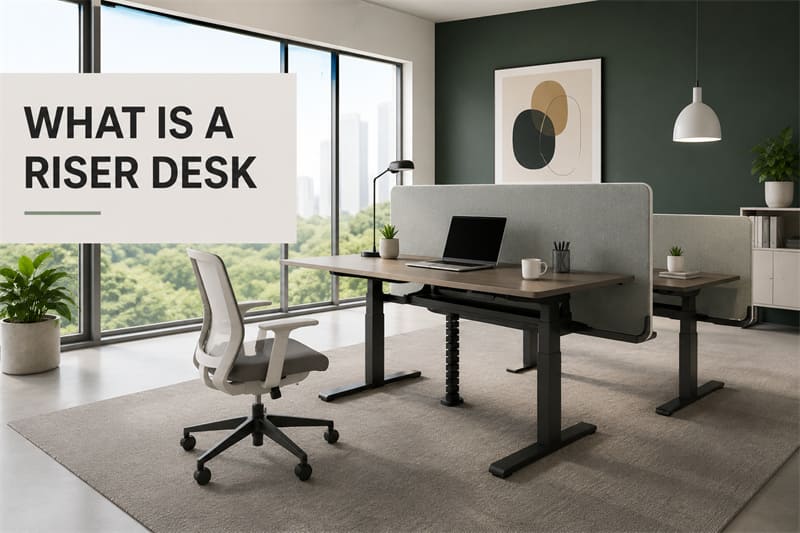
In the modern office environment, we spend long periods sitting at our desks. Have you noticed that prolonged sitting often leads to lower back pain or neck and cervical spine discomfort? This is a health issue that we simply cannot afford to overlook.
Have any of you ever used a height-adjustable desk? These desks allow you to freely adjust their height and are designed specifically to enhance our comfort while working. In fact, brands such as Linray are currently very popular.
Adjustable-height desks not only boost our work efficiency, but they also provide us with a healthier and more productive work environment.
What exactly is an adjustable-height desk? And why has it become so popular? Join me as I walk you through the benefits of height-adjustable desks—helping you create a more comfortable workspace—and clarify the distinction between a "riser desk" and a "desk riser."
A standing desk converter (also known as a desktop riser, standing desk adapter, or desktop workstation converter) is not a complete desk in itself; rather, it is an auxiliary device designed to be placed atop an existing desktop, elevating the monitor, keyboard, and mouse to a height suitable for working while standing.
Simply put, you can think of it as "another small desk placed on top of your existing desk." It requires no replacement of your original desk; by simply placing it on the desktop, it transforms a standard desk into a sit-stand workstation.
Compared to a complete height-adjustable desk, a desktop riser is simpler to set up and relatively more affordable. When you wish to work standing, simply raise the platform; when you want to return to a seated position, just lower it back to its original height. The entire process requires no complex maneuvers, yet it provides users with more opportunities to move their bodies throughout the workday.
For those looking to try standing work and break their sedentary habits, a desktop riser is often an accessible entry-level option. It requires neither a reconfiguration of the office layout nor the replacement of existing furniture, allowing users to experience the flexibility and comfort that alternating between sitting and standing provides.
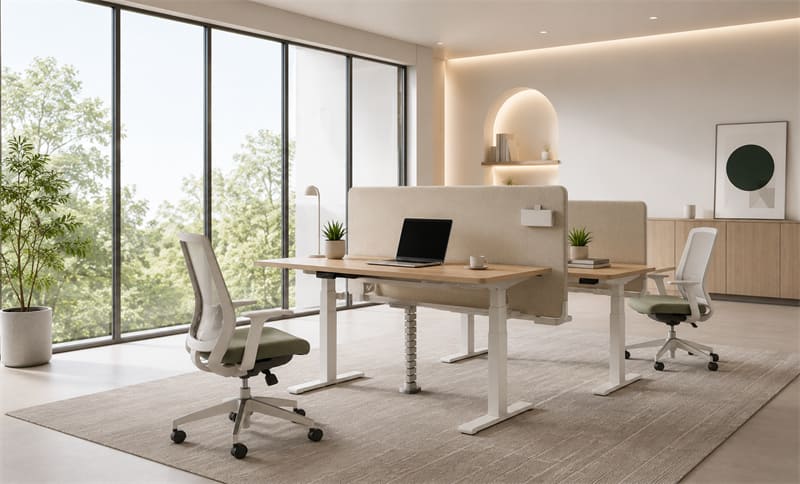
Standing desk converters are gaining increasing popularity—and not merely because standing while working has emerged as a new way of working. For those who spend extended periods using a computer, these converters offer greater flexibility in working posture, alleviate the discomfort associated with prolonged sitting, and ultimately provide a more comfortable experience for daily office work.
Whether in a home office or a corporate work environment, standing desk converters offer a number of practical advantages. Below, let's take a look at several key benefits that come with using a standing desk converter.
Maintaining the same sitting position for extended periods makes it all too easy to unconsciously lean forward or slouch—particularly when deeply engrossed in work, a time when many people do not even realize their posture has shifted. Over time, this poor posture can place undue strain on the lower back, shoulders, and neck.
A key advantage of standing desk converters is that they enable users to flexibly switch between sitting and standing positions. As body posture changes, the spine and muscle groups undergo appropriate adjustments, thereby alleviating the strain associated with maintaining a fixed posture for extended periods.
Many ergonomics experts advise against maintaining the same working posture for extended periods. A particularly common recommendation is the "20:8:2 rule," which suggests sitting for 20 minutes, standing to work for approximately 8 minutes, and then spending 2 minutes engaging in simple activities—such as stretching, walking a few steps, or moving one's shoulders and neck. By following this approach, one can help the body maintain a more natural state and alleviate the discomfort associated with prolonged sitting.
For many people who spend long hours working at a desk, lower back pain and neck stiffness are among the most common occupational ailments. Maintaining a seated position for hours on end not only keeps muscles in a state of tension but also increases the pressure placed on the spine and lumbar region.
In contrast, when working while standing, body weight is distributed more evenly across the entire spinal structure, helping to maintain the natural curvature of the lumbar spine. At the same time, people tend to find it easier to maintain an upright posture while standing, rather than slouching or craning their necks forward to view the screen for extended periods.
Of course, standing cannot completely replace sitting for office work; however, appropriately alternating between sitting and standing can help alleviate the chronic strain placed on the lower back, upper back, and neck. For those who frequently experience tightness in the shoulders and neck, or fatigue in the lower back, this simple adjustment can often lead to a more comfortable work experience.
Many people assume that the purpose of standing at work is to lose weight; however, in reality, its greater significance lies in mitigating the effects of prolonged sitting.
When we sit in a chair for several consecutive hours, our level of physical activity decreases significantly. Even simply shifting from a sitting to a standing position requires the body to engage more muscles for support and balance, thereby consuming more energy than sitting.
While working while standing cannot serve as a substitute for exercise, incorporating more standing time into one's daily routine can help keep the body in a more active state. For those who work in an office environment for extended periods, this seemingly minor adjustment—if maintained consistently over time—can also help mitigate the negative effects associated with a sedentary lifestyle.
When combined with appropriate walking, stretching, or brief physical activity, a standing desk converter enables users to create more opportunities for movement during a busy workday, making their work style healthier and more flexible.
Many people encounter a similar situation while working in the afternoon: their concentration begins to wane, their bodies gradually feel fatigued, and—even if the tasks at hand are not complex—they find it difficult to maintain focus for extended periods.
While a standing desk converter does not directly enhance one's work capabilities, it helps alleviate the sense of stagnation that often accompanies prolonged sitting. When users transition from a seated to a standing position, their bodies undergo a certain degree of movement and adjustment; this shift frequently leaves individuals feeling more alert and aids in refocusing their attention.
For individuals who spend extended periods processing documents, participating in online meetings, or working on a computer, incorporating periods of standing can introduce a welcome change to their work routine. Many users have found that during the afternoon—a time when drowsiness or a lack of focus often sets in—working while standing for short intervals helps them maintain their alertness, thereby enabling them to complete their daily tasks more efficiently.
How does a standing desk converter work? If you haven't encountered a standing desk converter before, you might find its structure somewhat complex. In reality, however, its working principle is not difficult to understand.
Simply put, a standing desk converter is installed on the surface of an existing desk; utilizing a lifting mechanism, it raises and lowers the entire work platform, enabling users to quickly switch between sitting and standing positions as needed without having to replace their original desk.
Depending on the specific product design, standing desk converters currently on the market typically utilize the following lifting mechanisms:
This is currently the most common type available. To operate it, you simply gently press the control handle, and a built-in gas spring assists the platform in rising and lowering smoothly.
These products are easy to operate, quick to adjust, and require no power connection; consequently, they are highly popular among both office workers and home users.
Manual spring-based mechanisms rely primarily on mechanical components to execute lifting and lowering movements. Compared to pneumatic products, they are typically more economical; however, adjusting the height requires the user to exert greater physical force.
Manually operated products adjust their height by rotating a crank handle. Although the adjustment speed is relatively slow, this method enables precise height control and requires no reliance on an electrical power system.
Electric lifting systems utilize a motor to raise and lower the platform, typically allowing for height adjustments to be completed simply by pressing a button.
For individuals who frequently switch between working postures, the electric model offers a more effortless user experience. Furthermore, if a workstation is shared by multiple users—or if height adjustments are required multiple times throughout the day—electric lifting products often prove to be the more convenient choice.
Most standing desk converters feature a dual-tier platform design. The upper tier is primarily used to accommodate a monitor or laptop, while the lower tier serves as a surface for a keyboard and mouse.
This layout helps users maintain a relatively ergonomic line of sight and arm angle—whether working in a seated or standing position—thereby enhancing overall working comfort.
Depending on their design and usage, height-adjustable desks can be classified into several categories.
Electric standing desks adjust their desktop height using a built-in motor. Users simply need to press a button or use a remote control to effortlessly switch their working posture, without the need for manual operation.
l Effortless to operate and requiring no physical strain, it is ideal for office workers, individuals who frequently alternate between sitting and standing positions, as well as the elderly or users with limited physical strength.
l It features a wide height adjustment range (typically between 70 and 120 centimeters), accommodating users of various heights.
l The lifting mechanism operates smoothly and quietly, ensuring it does not disturb surrounding colleagues.
l Boasting a robust load-bearing capacity, it can easily support heavy equipment such as computers, monitors, and even printers.
l Compared to manual or pneumatic height-adjustable desks, electric models come at a higher price point.
l Since they require a power connection to operate, the layout of power outlets must be taken into account when arranging the office space.
For users with a limited budget—or those who do not require frequent height adjustments—a manual standing desk is also a worthy option to consider. Unlike electric standing desks, these products do not require a power connection; instead, height adjustments are achieved through a gas-assist system or a hand-crank mechanism.
Pneumatic standing desks are typically operated via a control handle, utilizing a gas lift mechanism to raise and lower the desktop; manual crank models, conversely, require rotating a crank handle to adjust the height. Although their adjustment methods differ, both types effectively meet the basic requirements for alternating between sitting and standing while working.
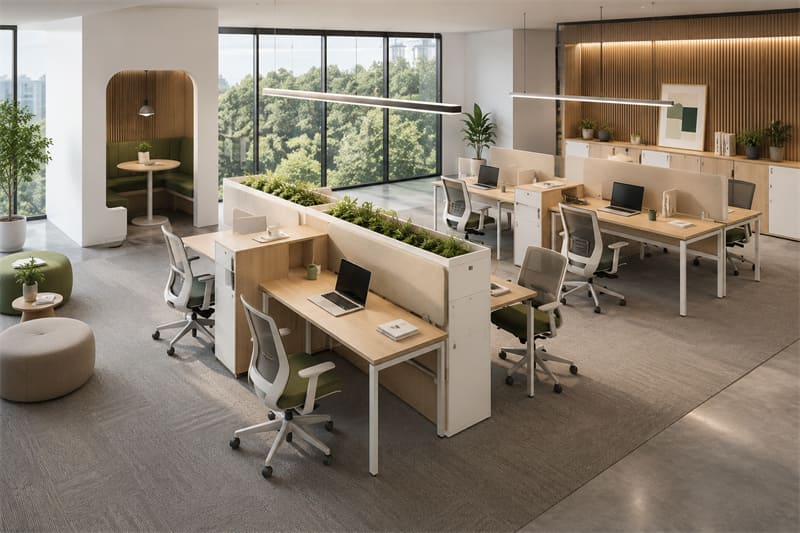
First, the price is typically more affordable. For individual users, small offices, or projects with limited budgets, manual standing desks often provide height-adjustable workspace functionality at a lower cost.
Second, since they do not require a power source, their placement offers greater flexibility. Whether situated in an office, a home study, or a temporary workspace, there is no need to be concerned about the proximity of power outlets.
Furthermore, manual standing desks feature a relatively simple structure, resulting in lower long-term maintenance costs. For users who prioritize durability and long-term operational stability, this constitutes a distinct advantage.
Compared to electric standing desks, manual standing desks require some physical effort to adjust their height. When the desktop is loaded with a significant amount of equipment, the lifting process can feel somewhat strenuous. Furthermore, their adjustment speed is typically not as rapid as that of their electric counterparts.
A pneumatic standing desk can be viewed as a solution positioned between electric and manual standing desks. It utilizes a built-in gas spring mechanism to assist with lifting; when the user engages the control mechanism, the desktop can be raised or lowered with relative ease, automatically locking into place at the current height once the control is released.
First, it is virtually unconstrained by its operating environment. Whether in an office, a home study, or a co-working space, as long as there is sufficient room for placement, it can be used immediately without the need to consider power cabling issues.
Second, the height adjustment process is relatively effortless. Unlike manual crank-operated models, users do not need to repeatedly turn a handle; a simple operation is all that is required to adjust the height, resulting in a much more convenient daily user experience.
Furthermore, because they lack a motor drive, pneumatic lift desks generate virtually no noticeable noise during operation. This represents a significant advantage for open-plan offices, libraries, study rooms, or any work environment where maintaining a quiet atmosphere is essential.
Pneumatic standing desks do, however, have certain limitations. Due to their structural characteristics, their load-bearing capacity is typically lower than that of some high-end electric standing desks. If the desktop needs to accommodate multiple monitors, a desktop computer tower, or other heavy equipment, it is crucial to pay close attention to the product's load-bearing specifications before making a purchase.
Furthermore, the height adjustment range of some pneumatic standing desks is relatively limited; for users with significant height differences, they may not offer the same level of precise and extensive height adjustability found in electric standing desks.
Unlike a complete sit-stand desk, a desktop riser is an accessory device designed to be mounted directly onto an existing desktop. It allows the monitor, keyboard, and mouse to be raised collectively to a height suitable for standing work, thereby quickly transforming a standard office desk into a sit-stand workstation.
Currently, desktop risers available on the market come in both electric and manual models. Electric units typically utilize buttons for height adjustment, while manual units require the user to unlock the mechanism and then push or pull to raise or lower the platform. Regardless of the method employed, the primary objective remains the same: to enable users to switch freely between sitting and standing postures.
For users who have already purchased a desk, the primary advantage is that there is no need to replace their existing furniture. Compared to purchasing an entirely new sit-stand desk, a desktop riser typically offers a comparable ergonomic experience at a significantly lower cost.
The installation process is also relatively straightforward. Most products do not require the disassembly of the original desk; users simply need to follow the instructions to assemble the unit before putting it into immediate use. This approach often proves to be a more time- and labor-efficient solution for upgrading corporate office spaces or renovating home office environments.
Furthermore, desktop risers offer a high degree of compatibility. Whether you have a small office desk, a large workstation, or a home writing desk, you can typically find a product available in a suitable size. Some models even feature a foldable design, allowing them to be stowed away compactly and occupy minimal space when not in use.
While desktop risers offer advantages such as low cost and easy installation, they essentially involve adding a lifting mechanism atop an existing desktop.
When raised to higher positions, some models may exhibit slight wobbling—a phenomenon that becomes particularly noticeable during frequent typing or when using heavier monitors.
If your work requires prolonged use of a multi-monitor setup, or if you have high standards for stability, a complete electric standing desk will typically provide a superior user experience.
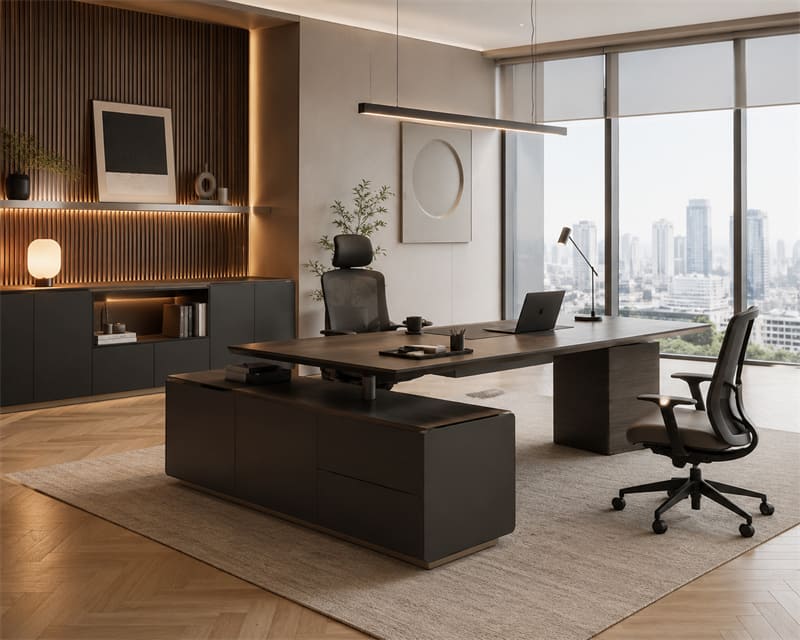
The L-shaped sit-stand desk features a corner configuration, comprising a primary work area and a secondary work area. Compared to traditional rectangular desktops, it offers a significantly larger usable surface area, making it ideal for work environments that require accommodating multiple monitors, documents, printing equipment, or other office supplies.
Another distinct advantage of the L-shaped design is its ability to make optimal use of office corner spaces. By positioning the desk flush against the corner walls, users not only gain a more spacious work area but also contribute to an overall layout that is neater and more organized.
If your work involves extensive document processing, project management, design and drafting, financial analysis, or multi-screen multitasking, then having additional desktop space can often lead to significantly higher productivity.
For instance, the main desktop area can be dedicated to computer work, while the side section is utilized for holding files, meeting materials, or auxiliary equipment. By assigning specific functions to different zones, you can minimize desktop clutter and enhance the overall convenience of your daily workflow.
Furthermore, thanks to their typically robust frame structures, many L-shaped standing desks maintain excellent stability and load-bearing capacity—even when raised to higher working heights—making them ideally suited for office environments configured with dual or multi-monitor setups.
While L-shaped standing desks offer exceptional space efficiency, they do impose certain requirements on the office environment.
Compared to standard standing desks, the larger footprint of an L-shaped desktop makes it better suited for private offices, executive suites, open-plan workspaces, or dedicated home studies. If office space is limited—or if the clearance area surrounding the desk is restricted—it is essential to measure the available space in advance of purchase to ensure proper placement and functionality.
The defining feature of a dual-tier adjustable-height desk is its layered design. The upper tier typically serves as the primary workspace, accommodating devices such as monitors and laptops, while the lower tier is designated for a keyboard, mouse, documents, or everyday office supplies. During height adjustments, both desktop tiers move in tandem, ensuring a consistent and seamless user experience.
For offices with limited desk space, a dual-tier structure allows for the efficient utilization of vertical space. Compared to a single-level desktop, it provides additional storage and display areas without significantly increasing the overall footprint.
For instance, a monitor can be positioned on the upper tier, while the keyboard, mouse, and frequently used documents are placed on the lower tier. This arrangement not only helps minimize desktop clutter but also keeps essential items within easy reach, eliminating the need to frequently stand up or bend down to search for them.
Dual-tier adjustable-height desks are typically well-suited for offices with limited space, home studies, and small workstations. This design offers distinct advantages for users seeking to maximize desktop functionality within a confined area.
A dual-tier design is not suitable for everyone. For taller users, the spacing between the tiers on certain models may restrict legroom; therefore, it is advisable to pay close attention to the desktop dimensions and overall height specifications before making a purchase.
Furthermore, due to the two-tiered structure of the desktop, routine cleaning requires extra effort to address the crevices and tight corners between the layers—a process that takes more time compared to cleaning a standard single-tier desktop.
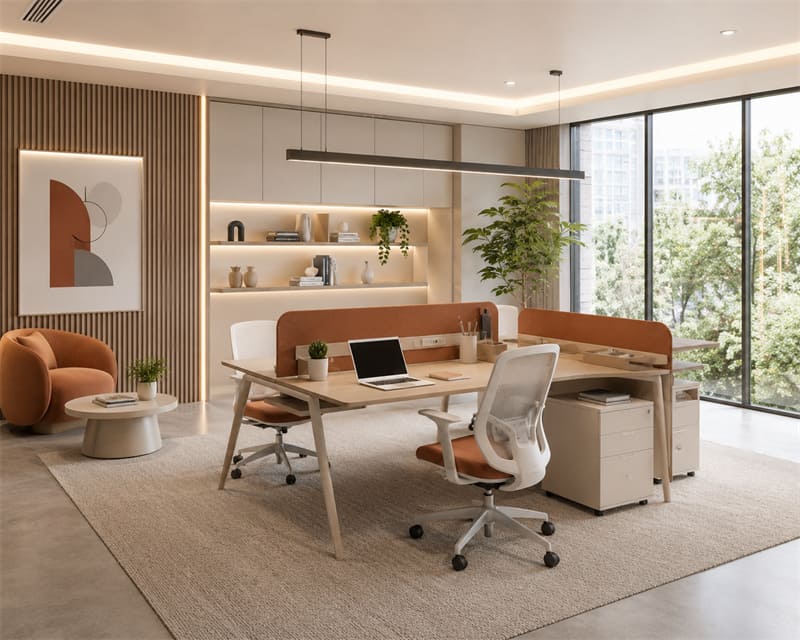
If you spend more than six hours a day working at a desk, a height-adjustable desk is generally well worth considering. Since the entire desktop rises and lowers in unison, everything—including your monitor, keyboard, documents, and other office equipment—remains consistently at an ergonomic working height.
This is particularly important for those using dual-monitor or multi-monitor setups. As the number of devices increases, the available space and weight capacity of a desktop riser may become limiting factors, whereas a full-sized standing desk can typically accommodate complex office equipment configurations with greater ease.
Furthermore, if you are accustomed to frequently alternating between sitting and standing throughout the day, the one-touch adjustment feature of an electric standing desk offers even greater convenience. You can switch heights simply by pressing a button—requiring no additional effort—making it a much more effortless experience for long-term use.
For those establishing a long-term home office, a dedicated study, or a corporate workspace, a height-adjustable desk represents an investment of greater long-term value. Beyond offering enhanced functionality, these desks typically boast superior overall stability, expandability, and longevity.
If you currently rent an apartment or lease office space, you may not wish to invest a significant portion of your budget in purchasing new furniture. In such cases, a desktop riser allows you to quickly transform your existing desk into a sit-stand workstation, while also making it easier to transport and set up again when moving or relocating your workspace.
For those trying standing work for the first time, a desktop riser presents a low-risk option. Compared to purchasing a more expensive height-adjustable desk outright, it allows you to experiment for a while—to see if you truly adapt to a sit-stand work routine—before deciding whether to upgrade further.
Furthermore, some users have specific requirements regarding their existing desks—for instance, the desktop may be custom-sized to match the overall interior design, or the desk may have been in use for many years and remains in excellent condition. In such cases, replacing the entire desk is not necessarily the most practical solution; instead, a desktop riser allows users to add height-adjustable functionality while retaining their original furniture.
Furthermore, if your standing work requirements are relatively simple—such as occasionally replying to emails, participating in online meetings, taking calls, or handling light tasks—then a desktop standing desk converter is typically sufficient to meet your daily needs.
Whether you opt for a desktop riser or a complete height-adjustable desk, while the product itself is undoubtedly important, proper usage is an equally critical factor that should not be overlooked.
Many people purchase height-adjustable desks only to find that their discomfort—in the shoulders, neck, or even wrists—does not significantly improve. In reality, the issue often lies not with the product itself, but rather with the layout of the workspace and the way equipment is positioned.
To truly harness the ergonomic benefits of a height-adjustable desk, the following details warrant particular attention.
The positioning of your monitor directly impacts the comfort of your neck and shoulders.
Generally speaking, it is best to align the top of the screen with your line of sight, or position it slightly below eye level. When looking straight ahead, your eyes should naturally be able to view the upper portion of the screen without requiring you to deliberately tilt your head down or look up.
Prolonged periods of looking downward at a screen can easily place excessive strain on the cervical spine; conversely, positioning the monitor too high can also lead to tension in the shoulders and neck. Therefore, finding the appropriate monitor height is often the first step toward improving your overall comfort in the workplace.
Many people focus on desk height but overlook the positioning of their keyboard and mouse.
When typing, your elbows should ideally remain naturally bent at an angle of approximately 90 degrees. Keep your shoulders relaxed, and strive to keep your wrists aligned straight with your forearms, avoiding prolonged upward or downward bending.
If the keyboard is positioned too high, your wrists and shoulders are prone to sustained strain; conversely, if it is too low, it may compromise both typing efficiency and comfort.
Working while standing does not mean your body must remain rigidly motionless.
In fact, maintaining the exact same standing posture for extended periods can be just as fatiguing for the body. The correct approach is to position your feet naturally—shoulder-width apart—distributing your body weight evenly between them, while avoiding locking your knees for prolonged periods.
Throughout your workday, you can periodically shift your weight, move your feet, or simply stretch your body to help keep your muscles naturally relaxed.
Many people who are new to using standing desks fall into a common trap: the belief that the longer they stand, the better.
In reality, what the human body needs most is variety—not maintaining a single posture for extended periods.
Rather than standing continuously for hours on end, it is better to alterna
te regularly between sitting and standing, adjusting to the rhythm of your work. For instance, you might stand for a while after completing a period of focused work, choose to stand while participating in an online meeting, and then switch back to a sitting position when handling emails.
If you plan to spend extended periods standing while working each day, you might consider pairing your setup with an anti-fatigue mat.
Although it may seem like a simple accessory, it provides extra cushioning for your feet, thereby alleviating pressure on your legs and soles. For those who need to stand for long durations, this often results in a noticeable improvement in overall comfort.
Many users discover after adopting a standing desk that an anti-fatigue mat is one of those accessories that—despite its modest cost—can significantly enhance the overall user experience.
If you encounter terms such as "Desk Riser," "Riser Desk," or "Standing Desk Converter" while shopping for adjustable office products, don't worry—in most cases, they all refer to the same type of product.
Essentially, a desk riser is an accessory device designed to be placed atop an existing office desk. Utilizing a lifting mechanism, it elevates your monitor, keyboard, and mouse to a height suitable for standing work, thereby enabling a standard desk to accommodate a sit-stand working routine.
Compared to a complete adjustable standing desk, the primary distinction of a desk riser is that it does not require you to replace your existing furniture. You simply place the device on your current desktop to quickly set up a workspace equipped with height-adjusting capabilities.
For many people, the answer is a resounding yes.
If you already own an office desk that is in good condition but simply wish to experiment with alternating between sitting and standing while working, a desktop riser is typically a cost-effective and easy-to-implement solution. It allows you to transform a standard desk into a standing workstation without the need to replace your existing furniture or reconfigure your office layout.
However, desktop risers are not necessarily the right choice for everyone. If you spend long hours working on a computer every day—and your desk is laden with multiple monitors, files, and other office equipment—a full-sized height-adjustable desk will generally offer superior stability, space utilization, and ergonomic benefits.
A desktop riser is an auxiliary device installed on an existing office desk, it raises and lowers only a specific section of the work area—typically the space occupied by the monitor, keyboard, and mouse.
A standing desk, on the other hand, is a complete desk solution. Utilizing an electric or manual lifting mechanism, the entire desktop adjusts in height synchronously, allowing everything—including computer equipment, documents, and other office supplies—to be raised or lowered together.
A desktop riser adjusts the height of the work area through a built-in lifting mechanism.
Depending on the specific product design, common lifting methods include pneumatic gas springs, manual levers, hand-crank mechanisms, and electric lifting systems. Users can quickly switch between sitting and standing positions simply by adjusting the height of the platform.
Most models feature a dual-tier design: the upper tier is used to hold the monitor, while the lower tier accommodates the keyboard and mouse. This layout helps maintain a more ergonomic line of sight and arm angle, thereby enhancing overall working comfort.
Generally speaking, when working while standing, the keyboard should be positioned at a height that allows your elbows to remain naturally bent, forming an angle of approximately 90 degrees. Your shoulders should remain relaxed, and your wrists should be kept as straight as possible relative to your forearms.
Additionally, the top of your monitor should ideally be level with—or slightly below—your line of sight; this helps minimize neck strain caused by looking down or tilting your head upward.
For those who spend long hours working at a desk, the proper use of a desktop riser can indeed help improve overall work comfort.
Its primary function is not to keep users standing continuously, but rather to enable them to frequently alternate their working posture throughout the day. By switching between sitting and standing positions, users can reduce the physical strain associated with maintaining a single posture for extended periods.
Of course, the effectiveness of this tool depends on proper usage. If the monitor height is incorrect, the keyboard is positioned improperly, or one stands continuously for too long, these factors may instead lead to new forms of physical discomfort.
If you already have a desk and want to work standing up, you don't necessarily need to buy a new height-adjustable desk. The Riser Desk is like adding a "height adjustment function" to a regular desk, allowing you to adjust your monitor, keyboard, and other office equipment to a comfortable position, letting you switch freely between sitting and standing.
Many people confuse riser desks and standing desks, but the biggest difference is simple:
A riser desk is like adding a height adjustment function to your existing desk. It's placed directly on the desktop and used without replacing your original desk. When you need to work standing up, raise your monitor and keyboard; when you need to sit down, adjust them back to the comfortable position.
A standing desk, on the other hand, is a whole height-adjustable desk, starting from the legs, raising or lowering the entire desktop as a whole.
Yes. Especially for those who want to try standing work but don't want to immediately "rebuild" their entire desk, a riser desk is a more convenient option.
It's like adding a "small upgrade" to a regular desk. No need to move your existing desk or reorganize your office; simply adjust the height to switch between sitting and standing postures.
There is no "one-size-fits-all" number for height-adjustable desks, since everyone's height is different. The comfortable desk height will definitely be different for a person who is 180cm tall and a person who is 160cm tall.
When adjusting, first place your hands on the keyboard, maintaining a natural typing posture with your elbows at approximately a 90-degree angle. The monitor height should be as close to eye level as possible to avoid feeling like your neck is "searching for something on the floor" after a long day of work.

